
Keeping School and Insurance Records
Two of the record categories on a loved one's profile — School and Insurance — are especially handy to have ready for meetings, appointments, and forms.
School and teachers
From a loved one's profile, tap the School tile. Here you can store the school's name, address, and phone number, plus a list of teachers with their role and email. Tap the + button to add a school or a teacher.
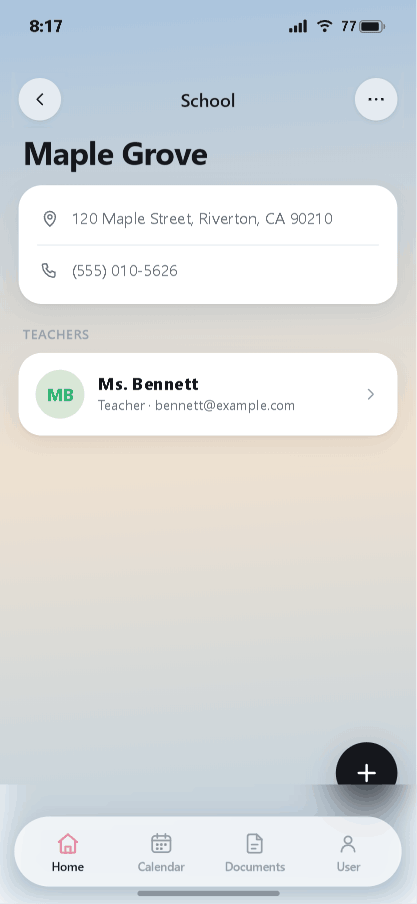
Having the school address, phone, and teacher contacts in one spot is useful when you're scheduling meetings or sending a quick message.
Insurance plans
Back on the profile, tap the Insurance tile. Each plan stores its name, plan type, policy number, and policy holder, and you can mark one plan as Primary.
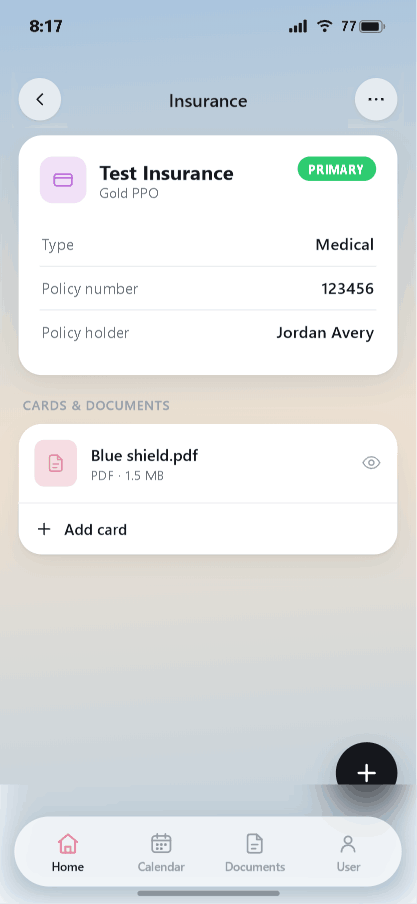
Under Cards & Documents you can attach the insurance card or plan PDF, and tap Add card to include the front and back. Tap the eye icon to preview an attached file. With the card stored here, you'll have it ready at any check-in — no digging through your wallet.
Stay organized with iDocThis
Keep the documents, notes, and dates that matter for Using iDocThis in one secure place.
Get startedRelated articles